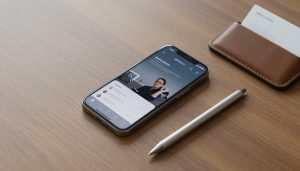
The Definitive Guide to the Best Phones for Office and Work Use in 2026
Picture this: You’re in a coffee shop, juggling emails, a video call, and notes for your next meeting. Your phone battery dies halfway through. Frustrating, right? In our hybrid work world, a solid work phone keeps you connected without the drama. It handles security threats, lasts through long days, and lets you multitask like a pro. We’ll break down what makes a phone great for office tasks, then spotlight top picks across budgets and systems.
Defining the Ideal Work Smartphone: Essential Features Breakdown
A good work phone boosts your daily grind. It needs speed, safety, and stamina to match your busy schedule. Let’s look at the must-have traits that set winners apart from the rest.
Battery Life and Fast Charging Capabilities
You need a phone that powers through 10-hour days of calls, apps, and browsing. Aim for at least 4,500 mAh batteries that deliver real-world endurance. Tests show top models last 12 hours on mixed use. Fast charging matters too—30W or higher gets you back to full in under an hour. No more waiting around during lunch breaks.
Security Protocols and Enterprise Management Support
IT teams demand strong locks on company data. Look for built-in chips like Apple’s Secure Enclave or Google’s Titan M to guard against hacks. These handle encryption and biometric scans smoothly. Software side, check for ties to tools like Microsoft Intune. Samsung’s Knox adds extra layers for secure folders and remote wipes. This setup keeps sensitive files safe in a breach.
Display Quality for Document Review and Multitasking
Staring at tiny screens strains your eyes during report reads. Go for 6.5-inch or larger panels with sharp 120Hz refresh rates for fluid swipes. High brightness, say 1,000 nits, fights glare in bright offices or outdoors. AMOLED tech offers deep blacks for easy PDF scans. Split-screen modes shine here, letting you email while checking calendars.
Top Tier Productivity Powerhouses: Flagship Recommendations
Flagship phones pack the punch for demanding jobs. They run heavy apps without lag and sync with your workflow. If cash isn’t tight, these stand out for sheer power and smart features.
Apple iPhone Pro Series: Ecosystem Integration and Longevity
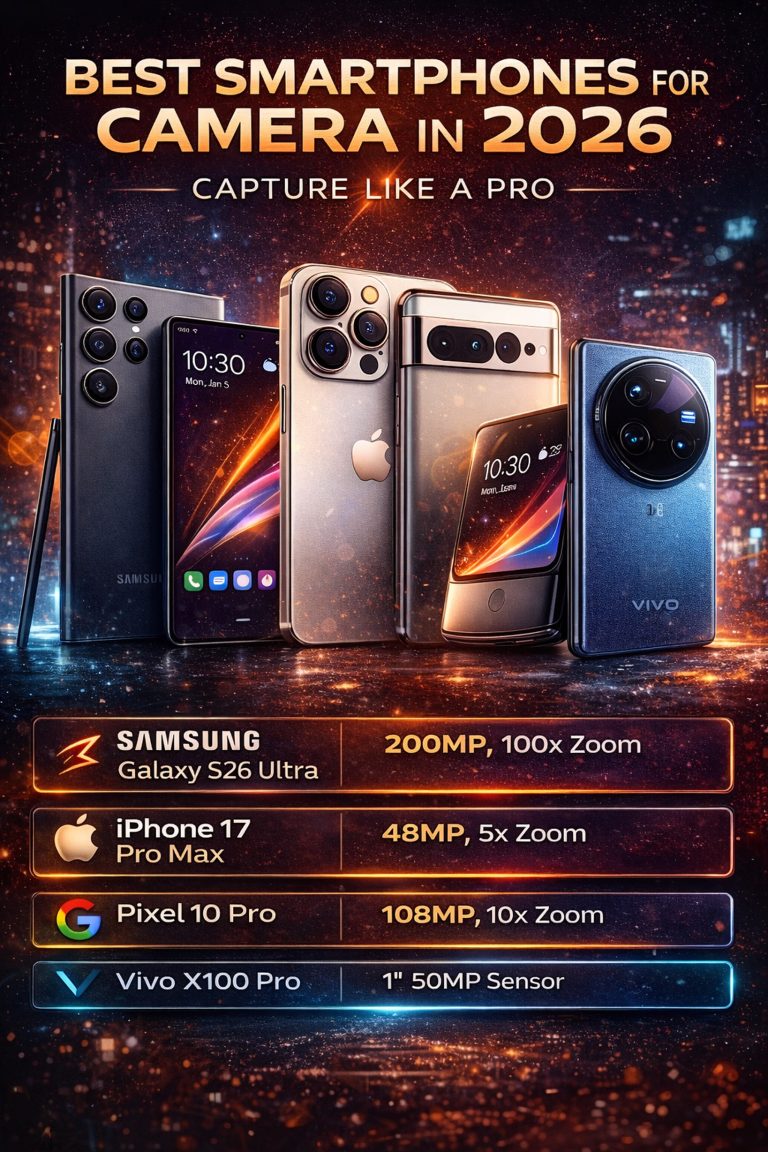
The iPhone 16 Pro shines with its A18 chip, zipping through edits in Excel or Zoom sessions. You get buttery app performance and crash-free runs. Apple promises seven years of updates, so your device stays secure longer. This cuts replacement costs over time. Pair it with a Mac, and files jump between screens effortlessly. Battery holds up for 14 hours of video playback, per lab tests.
Samsung Galaxy S Ultra Series: Android Power and DeX Functionality
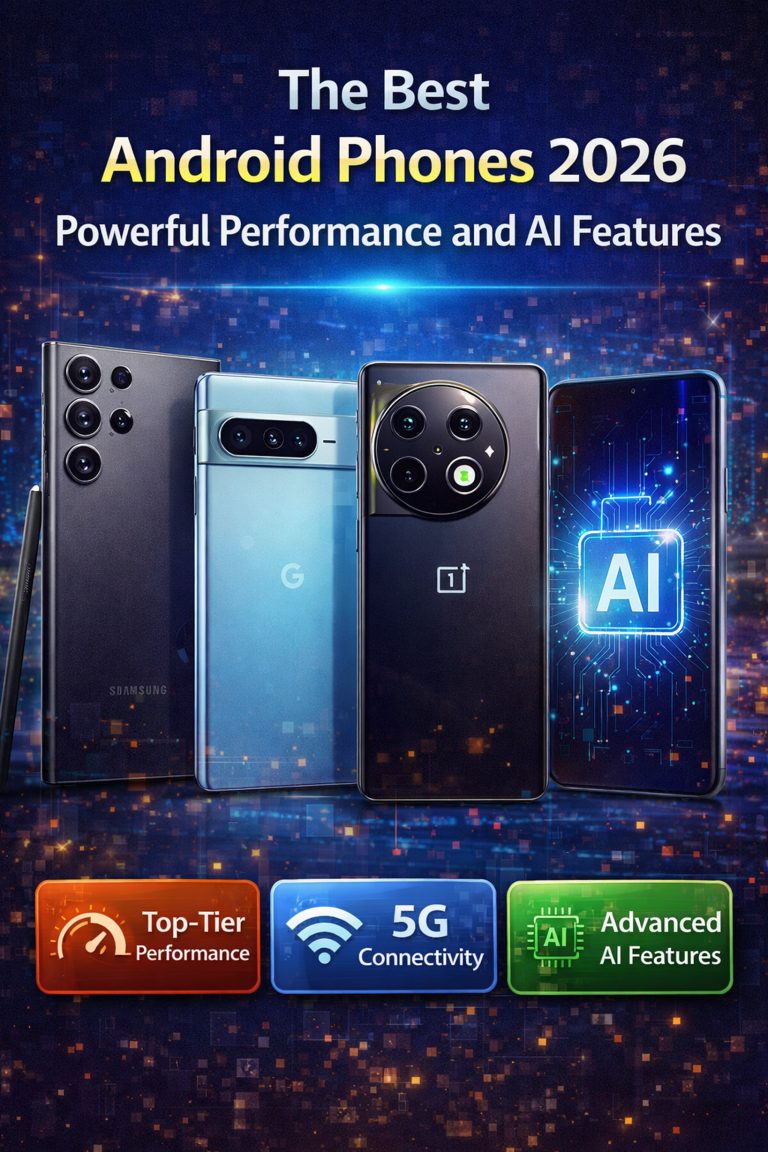
Samsung’s Galaxy S24 Ultra brings Android muscle with its Snapdragon processor. It crushes multitasking, like running Slack and a browser side by side. The S Pen lets you jot ideas or mark up docs on the fly—perfect for quick brainstorms. DeX mode turns your phone into a mini desktop when plugged to a monitor. Hook it to your laptop, and you work like on a full PC. Plus, 5,000 mAh battery and 45W charging keep you going.
Google Pixel Pro: Native Android Experience and AI Features
The Pixel 9 Pro delivers clean Android without bloat. It integrates tight with Google Workspace, so Gmail and Docs feel native. AI tools like call screening block spam and transcribe meetings automatically. Save hours on note-taking this way. The Tensor G4 chip handles AI tasks fast, and you get seven years of support too. Camera perks double for scanning receipts or business cards.
Maximizing Value: Best Mid-Range and Budget Work Phones
Not everyone needs top-shelf gear. Mid-range options deliver solid work smarts at half the price. They focus on reliability for everyday office needs without extras you won’t use.
Best Value for Battery Life and Reliability (Mid-Range Picks)
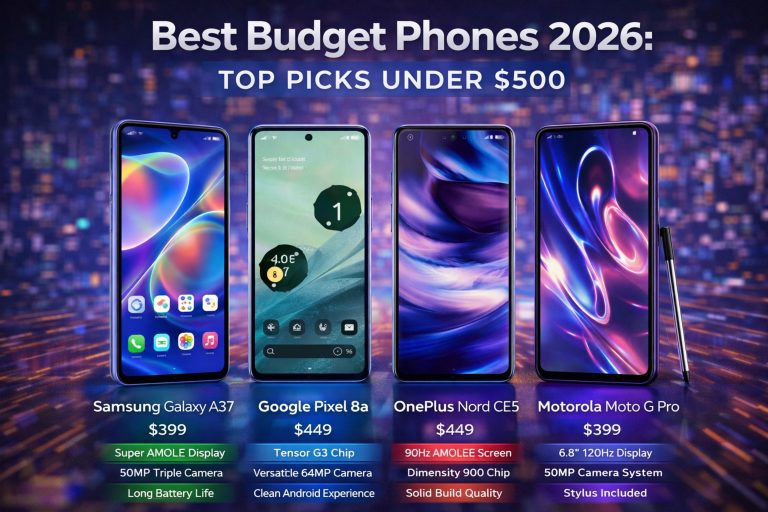
The Nothing Phone (2a) stands out with its 5,000 mAh cell, lasting 13 hours on calls and apps. It runs smooth on emails and CRM tools like Salesforce. Priced under $400, it offers 8GB RAM for lag-free switches. Google’s Pixel 8a matches this with stock Android speed and timely updates. Both beat flagships in value for basic productivity.
Enterprise Durability and Rugged Options
Field pros need tough builds. The Samsung Galaxy XCover7 has IP68 rating against dust and water, plus MIL-STD-810H for drops. It handles logistics apps in rain or dirt. Battery swaps easily for non-stop shifts. For budgets, the Nokia XR21 adds programmable buttons for quick tool access. These come with three-year warranties, ideal for business fleets.
Actionable Tip: Assessing Future-Proofing (RAM and Processor)
Don’t skimp on guts. Shoot for 8GB RAM minimum to juggle enterprise apps without stutters. Mid-range chips like Dimensity 7200 keep pace with updates. Check benchmark scores—aim for 600,000+ on AnTuTu for smooth years ahead. This ensures your phone won’t feel old in two seasons.
Software Ecosystem Considerations: iOS vs. Android for Business
Your phone’s OS shapes how it fits your team’s setup. iOS and Android each bring strengths to work flows. Pick based on what your office already uses.
Comparing Mobile Device Management (MDM) Capabilities
Apple’s Business Manager rolls out policies fast for big groups. It locks down apps and tracks devices with ease. Android Enterprise offers flexible profiles, great for mixed-use phones. Tools like Workspace ONE work well on both, but iOS edges in zero-touch setup. Android wins for custom tweaks in diverse teams.
App Availability and Productivity Suite Performance
Microsoft Office apps run crisp on iOS, with deep touch controls for edits. Android versions match, but some niche tools favor one side. Security sandboxes on iOS block malware better, per reports. Both handle Google or Microsoft suites fine—choose by your cloud preference. Test drive apps to see what clicks for your role.
The Role of Cross-Device Continuity
Link your phone to your computer for seamless days. Samsung’s Link to Windows mirrors calls on PCs. Apple’s Handoff lets you start an email on iPhone and finish on Mac. Pixels pair with Chromebooks via Nearby Share for quick file drops. This cuts copy-paste hassles and boosts flow.
Conclusion: Selecting Your Essential Mobile Productivity Tool
Choosing the right phone boils down to your job’s demands. Security tops the list to protect data, then battery for endurance, and ecosystem for easy ties. Sales reps might love Pixel’s AI smarts, while IT admins pick iPhone’s long support. The best work smartphone fits your world—test a few to find yours.
Key Takeaways Checklist
- Prioritize security features: Built-in chips and MDM support keep company info safe.
- Demand all-day battery: At least 4,500 mAh with fast charging for non-stop work.
- Seek multitasking power: 8GB RAM and smooth displays handle apps without hiccups.
Ready to upgrade? Grab one of these picks and watch your productivity soar. Your next big meeting awaits.