The Ultimate Guide to High-Performance Smartphones for Gaming and Demanding Multitasking

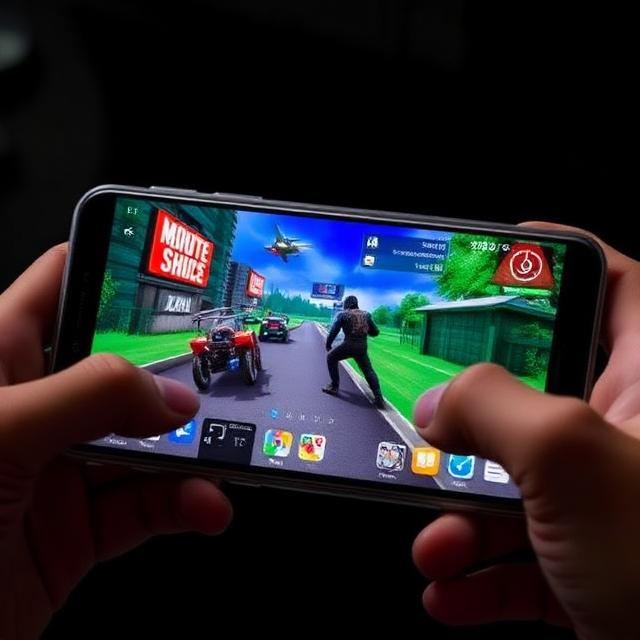
Imagine squeezing a full PC gaming setup into your pocket. That’s the reality today with high-performance smartphones. These devices handle intense games like Genshin Impact at max settings while you switch to email or video calls without a hitch. They turn everyday tasks into smooth experiences. Key parts like powerful processors, ample RAM, and sharp displays make this possible. In this guide, we’ll break down what sets top gaming smartphones apart. You’ll learn how to pick one that fits your needs for both fun and work.
Decoding the Core Components: Processor and RAM Supremacy
High-performance smartphones rely on strong inner workings. The processor and RAM form the backbone. They decide if your device lags during a tough game or keeps apps running in the background.
The SoC: The Brain Behind Frame Rates and App Switching
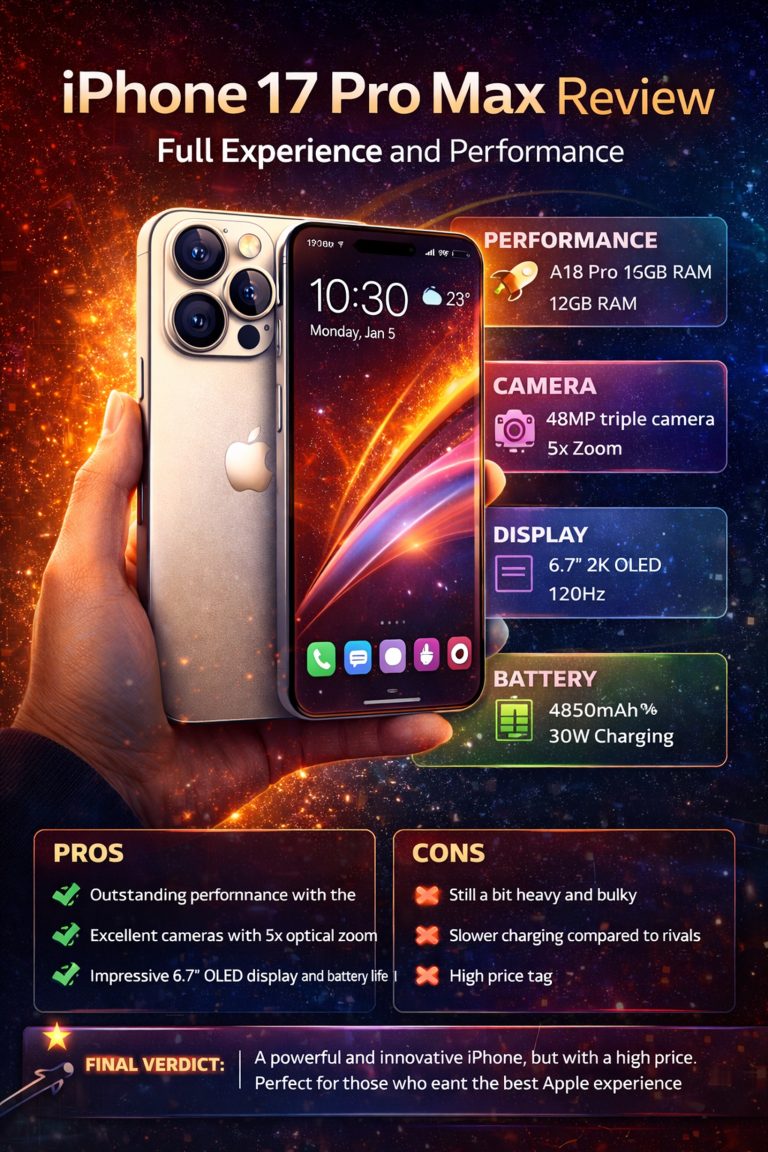
The System-on-Chip (SoC) acts as the phone’s brain. It powers everything from game graphics to quick app loads. Top chips include Qualcomm’s Snapdragon 8 Gen 3 or Apple’s A18 Bionic. These pack advanced CPU cores for speed and GPU units for visuals.
MediaTek’s Dimensity 9300 shines too. It handles high frame rates in games like Call of Duty Mobile. Built-in AI engines help with smart features, like auto-adjusting graphics.
Peak scores in tests like Geekbench matter. But real use counts more. Sustained performance avoids slowdowns from heat. For hours of gaming or editing videos, look for chips with good thermal design. This keeps frames steady at 60 or even 120 per second.
RAM Capacity and Speed: The Multitasking Lifeline
RAM lets your phone juggle tasks without forgetting them. More RAM means you can run a game, browser tabs, and music all at once. Aim for at least 12GB in high-performance smartphones for heavy use. Pros might need 16GB or more.
Speed matters too. LPDDR5X RAM loads apps faster than older types. It cuts wait times and keeps games responsive. Brands like Samsung optimize this with software tweaks.
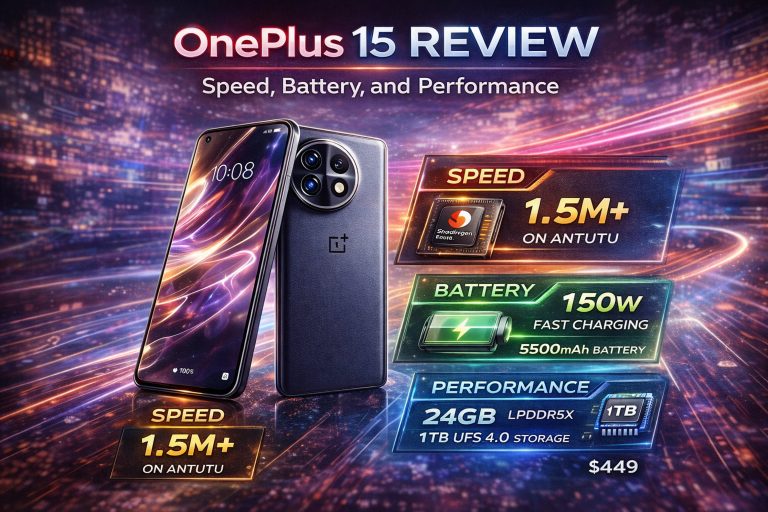
For example, OnePlus phones use virtual RAM expansion. This boosts effective memory from storage. Tests show 16GB setups handle 20+ apps without reloads. It’s a game-changer for multitaskers who edit photos while streaming.
Display Technology: Visual Fidelity Meets Responsiveness
A great screen pulls you into the action. It needs to be smooth and clear. High-performance smartphones shine here with tech that boosts both gaming and daily viewing.
Refresh Rate and Touch Sampling: The Competitive Edge
Refresh rate measures how often the screen updates. At 120Hz or 144Hz, motions look buttery smooth. Games feel alive, like in PUBG where quick turns matter.
Adaptive rates, like LTPO tech in iPhones, save battery by dropping to 1Hz for static images. This balance helps long sessions. Samsung’s Galaxy S24 Ultra hits 120Hz with ease.
Touch sampling rate tracks your finger taps. A 240Hz rate means instant response in fast games. It’s key for esports players aiming for precision shots. Without it, inputs lag and frustrate.
- Tip for gamers: Check specs for both rates. High numbers reduce motion blur in action titles.
- Real-world win: Users report fewer missed swipes in racing games on 144Hz panels.
Color Accuracy, Brightness, and HDR Support
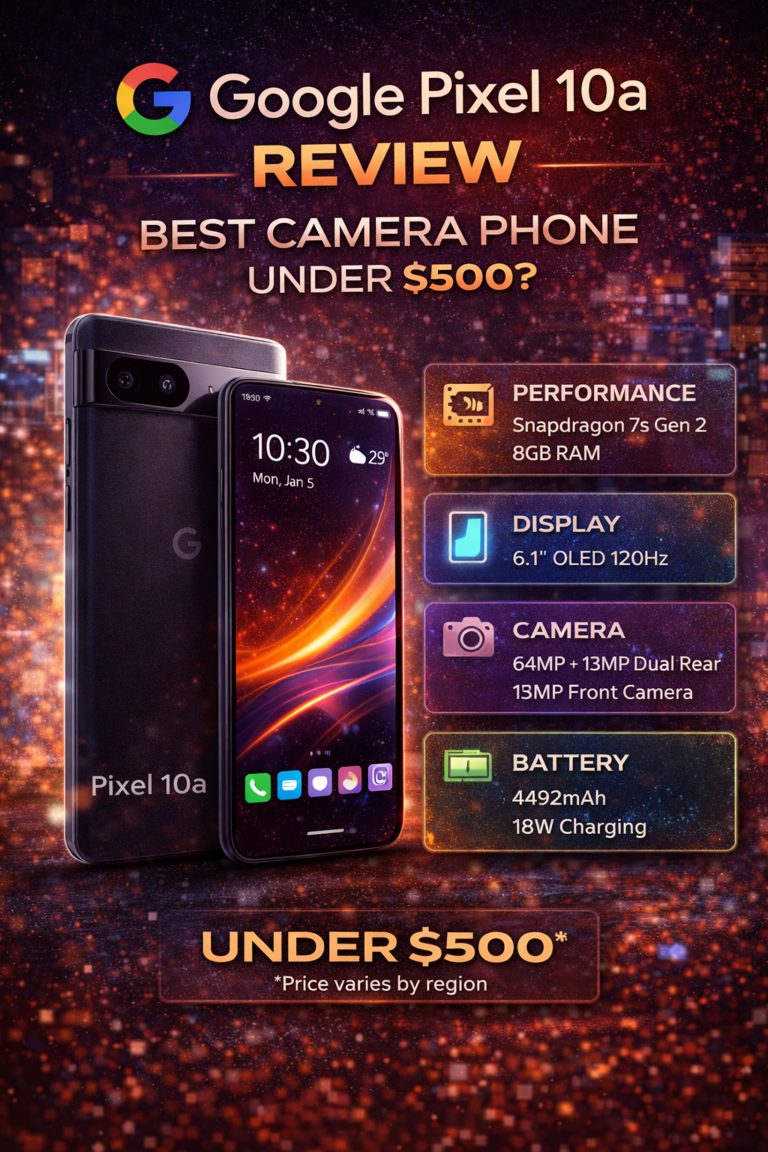
OLED screens dominate high-end phones. They offer deep blacks and vibrant colors for dark game scenes. AMOLED variants, like in Google Pixel, add punchy hues.
Brightness hits 2000 nits or more on top models. This fights glare outdoors, so you game in sunlight without squinting. It’s vital for multitasking on the go.
HDR10+ or Dolby Vision amps up videos and games. Think richer explosions in Fortnite. Certified displays ensure true-to-life views. Always verify this for immersive play.
Thermal Management: Keeping Cool Under Pressure
Heat can kill performance fast. Smartphones that stay cool win for long hauls. Good management lets you push limits without throttling.
Advanced Cooling Solutions in Modern Devices
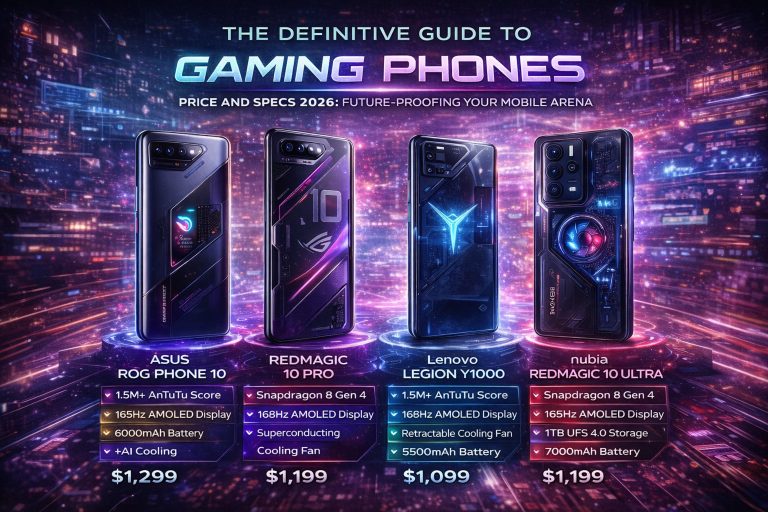
Vapor chambers spread heat evenly inside the phone. They’re like mini radiators. ASUS ROG Phones use them to keep chips cool during marathons.
Graphite sheets and liquid cooling loops help too. These pull heat from the processor. In tests, phones with vapor chambers drop temps by 10-15 degrees under load.
Brands like Xiaomi pack fans in gaming models. Passive options work for most. They prevent frame drops in extended sessions.
- Quick fixes: Remove thick cases to let heat escape. Keep the room cool, around 70°F.
- User benefit: No stutters in 4-hour streams or edits.
Software Optimization for Sustained Power
Apps like Game Booster tweak settings on the fly. They boost CPU for games and quiet background tasks. Samsung’s mode locks cores at high speeds.
This fights quick drops in power. Third-party tests show sustained clocks at 80% of peak for 30 minutes. It’s better than short bursts that fade.
One example: Realme’s GT series holds 60fps in heavy titles longer. Software learns your habits for smarter cooling.
Battery Life and Charging Speed: Powering the Marathon Session
Power keeps the fun going. You want a battery that lasts through battles and work calls. Fast recharges get you back quick.
Battery Capacity vs. Efficiency Balance
Bigger batteries, like 5000mAh, store more juice. But efficiency from the SoC saves it. Snapdragon chips sip power in light tasks.
Gaming drains fast—up to 20% per hour at high settings. Standard use might last 8-10 hours. Apple’s iPhone 16 Pro stretches to 12 hours mixed.
Balance is key. A 4500mAh efficient pack beats a 6000mAh wasteful one. Track real tests from sites like GSMArena for truth.
Ultra-Fast Charging Protocols
Wired charging at 65W or 120W fills batteries in 20-30 minutes. Oppo’s 240W tech hits full in under 10. It’s perfect for quick top-ups between matches.
Wireless options lag but improve, like 50W pads. Compare: 120W regains 50% in 10 minutes. Great for breaks.
Watch battery health, though. Frequent fast charges can wear cells over time. Stick to 80% limits sometimes. Use official chargers to avoid risks.
Beyond the Specs: Ecosystem and Gaming Accessories
Specs are great, but the full setup matters. Sound, feel, and connections enhance play. These extras make high-performance smartphones feel complete.
Audio Quality and Haptic Feedback Systems
Stereo speakers pump clear sound. Front-facing ones, like in Sony Xperia, direct audio at you. No tinny output in explosions.
Low-latency Bluetooth pairs with headphones for sync. Dolby Atmos adds depth to games. It’s like a mini theater in your hand.
Haptics vibrate with precision. X-axis motors in iPhones mimic button clicks. In racing sims, you feel the road bumps. Better feedback boosts immersion.
Connectivity and Ergonomics for Serious Players
Wi-Fi 6E cuts lag in online lobbies. 5G ensures stable streams up to 1Gbps. No drops mid-battle.
Design counts: Light weight under 200g prevents hand cramps. Side buttons for triggers help in shooters. Cooling docks attach for heat relief.
- Accessory picks: Shoulder buttons from Razer. External fans for ROG Phones.
- Ergo tip: Grip cases with vents for comfort in long plays.
Conclusion: Identifying Your True Performance Mobile Companion
High-performance smartphones for gaming and multitasking boil down to three pillars. A strong processor and fast RAM handle the load. Smooth displays with high refresh keep visuals sharp. Solid thermal management ensures it all lasts.
Don’t chase top benchmark numbers alone. Focus on real sustained power, like cooling tech and RAM speed. These support your daily grind and epic sessions.
Pick based on your style. Gamers, grab ROG or Red Magic. Multitaskers, try Galaxy or iPhone. Test in stores for feel. Your next pocket powerhouse waits—go find it and level up your mobile life.