

How to Compare Smartphones Like a Pro: The Definitive Buyer’s Guide
Picking the right smartphone feels like a maze sometimes. With hundreds of models out there, each packed with tech talk that confuses everyone, it’s easy to get lost. You might stare at endless spec lists and still end up unsure. But don’t worry—this guide cuts through the noise. It gives you a clear way to compare smartphones step by step. We’ll look at performance, camera, battery, and ecosystem to help you choose smart.
Foundational Comparison: Understanding Your Needs First
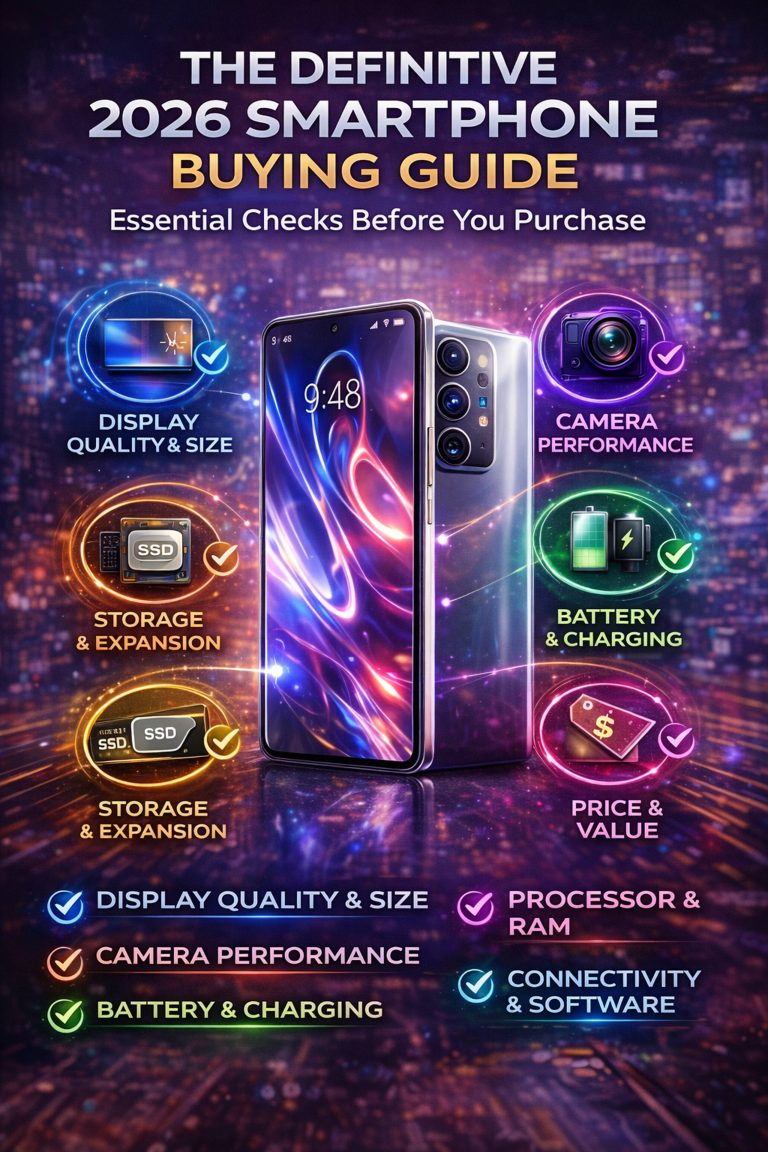
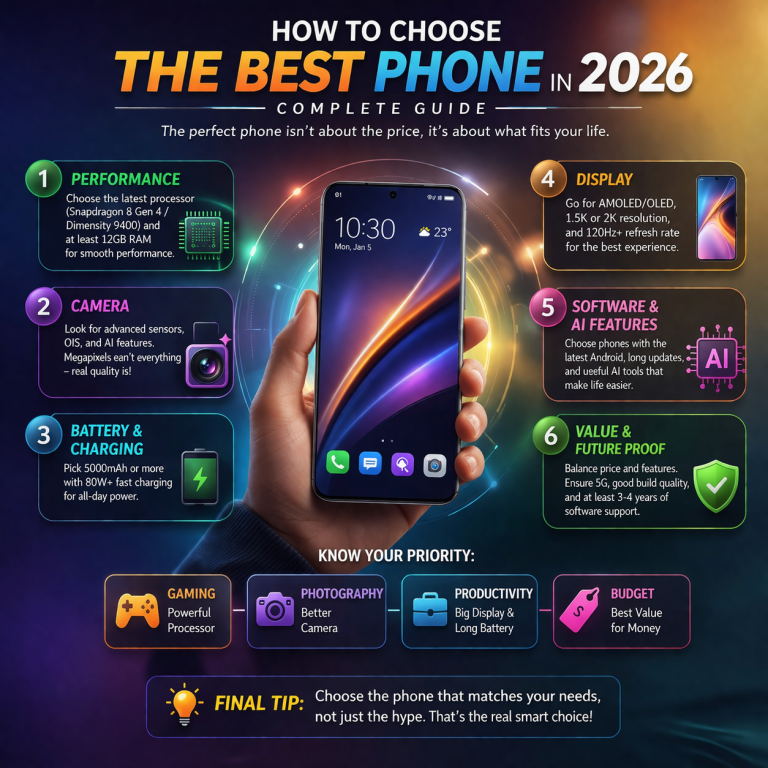
Start your smartphone comparison by looking at what you really need. The top phone for one person isn’t the best for another. A gamer wants smooth graphics, while a parent might pick something simple and tough.
Defining Primary Use Cases and Budget Constraints
Think about how you use your phone each day. Do you snap lots of photos? Or stream videos for hours? List your top needs first.
Make a checklist with weights. For example, give camera 40 points if pictures matter most. Add battery at 30 if you hate charging often. Price gets 20 for keeping things real. This helps you score phones fairly.
Budget shapes everything. Flagship phones cost over $800 but pack top features. Mid-range ones around $400 offer solid value without the flash. Low-end picks under $200 work for basics. Stick to your limit to avoid regret later. In January 2026, deals pop up on sites like Best Buy or Amazon, so watch for sales.
Operating System Lock-in: iOS vs. Android Ecosystem Deep Dive
iOS and Android pull you into different worlds. iPhones tie tight with Apple gear like Watches and iPads. Everything syncs smooth through iCloud. Android plays nice with Google tools and fits most devices.
Apple promises seven years of updates now, keeping iPhones fresh longer. Samsung and Google match that with five to seven years on flagships. Older Android phones might lag behind, though.
Pick based on your setup. Got Apple stuff? Stick with iOS for easy links. Love customizing? Android lets you tweak apps and looks. Test both in a store to feel the flow.
Performance Benchmarks: Beyond Megahertz and Gigabytes
Specs like processor speed sound impressive, but they don’t tell the full story. Real use shows how a phone handles your day. Skip the hype and check actual tests.
Processor and RAM: Decoding Real-World Speed
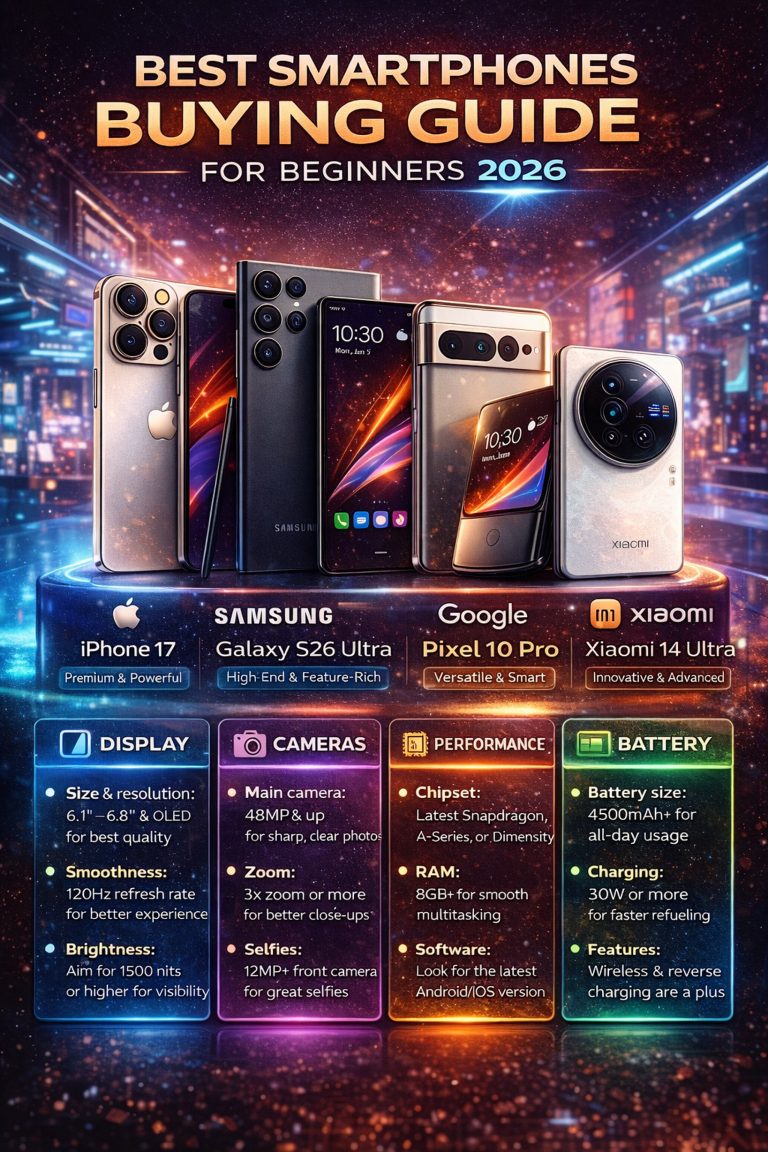
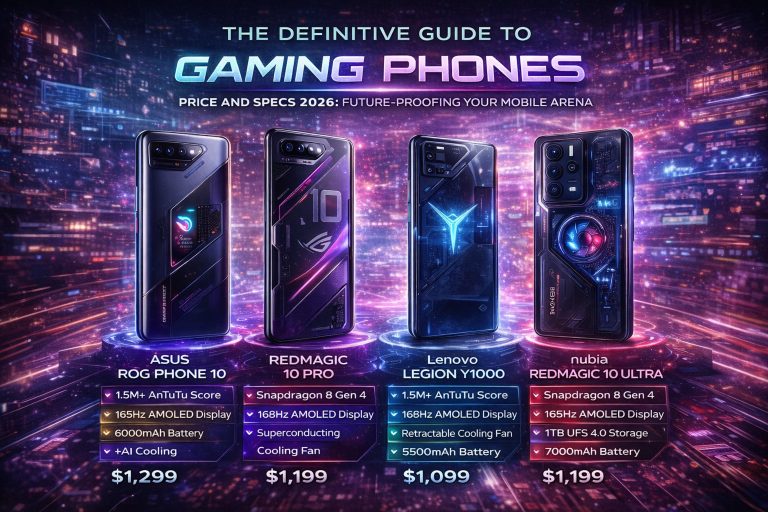
Processors power your phone’s brain. Apple’s A-series chips shine in quick tasks like app opens. Snapdragon from Qualcomm rules gaming with strong graphics. MediaTek Dimensity holds up well in budget picks for everyday speed.
RAM keeps things running without hiccups. 8GB works for most, but 12GB or more helps with multitasking. Look at single-core scores for fast bursts, like scrolling social media. Multi-core matters for heavy loads, such as editing videos.
Test sustained speed to spot throttling. Phones heat up during long games, slowing down. Sites like GSMArena run benchmarks that mimic real play. Aim for phones that stay cool under pressure.
Display Technology Showdown: OLED vs. LCD and Refresh Rates
Screens make or break your view. OLED panels give deep blacks and bright colors, perfect for movies. LCDs use less power but look washed out in sun.
Color accuracy helps photos pop true. OLED wins here with better contrast. Power draw stays low on both, but OLED saves more on dark modes.
Refresh rates change how smooth it feels. 60Hz is standard, fine for basics. 90Hz smooths scrolls a bit. 120Hz makes animations zip, great for gamers. Feel the difference on demos—your eyes will thank you. Higher rates sip more battery, so balance that in your picks.
The Camera Matrix: Evaluating Imaging Hardware and Software
Cameras steal the show in smartphone comparisons. Big numbers tempt, but smart software and hardware win. Break it down to see what counts.
Sensor Specifications vs. Real-World Low-Light Performance
Megapixels grab headlines, but sensor size captures more light. A 12MP sensor twice as big beats a 108MP tiny one in dim spots. Pixel binning merges points for sharper shots in dark rooms.
Low light tests matter most. Check unedited photos from night walks or indoor dinners. Sites like PhoneArena share samples side by side.
Software tweaks images too. Apple’s deep fusion adds detail without overdoing it. Google’s Pixel uses AI for natural colors. Compare shots from the same scene to pick your style—vibrant or real.
Video Capabilities and Stabilization Techniques
Video needs steady hands and strong tech. Most phones hit 4K at 60fps now. Few do 8K, but it’s overkill for social shares.
Codecs like H.265 save space without losing quality. Frame rates keep motion smooth in fast clips.
Stabilization cuts shakes. OIS uses hardware lenses to stay level, best for walks. EIS fixes digitally but crops a tad. Hybrids blend both for pro results. Watch sample videos on YouTube to see steady footage in action.
Endurance and Longevity: Battery Life and Charging Speed
Battery life decides if your phone lasts the day. Forget just mAh numbers—see how it holds up in use.
Analyzing Battery Tests: Screen-On Time vs. Standardized Loops
Screen-on time tracks active hours. A 5000mAh battery might give six hours of video. Tests vary by task.
Look for third-party loops. Tom’s Guide runs web browses or game plays for fair checks. Compare under same loads.
Refresh rates drain fast. Drop to 60Hz for longer life on heavy days. Apps like AccuBattery track your patterns too.
Wired vs. Wireless Charging Standards and Heat Management
Wired charging zips to full quick. 65W hits 100% in 30 minutes on some Androids. iPhones top at 20W for safety.
Wireless pads add ease but slow things. Qi2 standard in 2026 boosts speeds to 15W. MagSafe locks iPhones firm.
Heat builds during fast charges, hurting battery over time. Cool pads help. Pick balanced speeds—quick enough without cooking the cell. Aim for 80% daily to stretch life.
Form Factor and Future-Proofing: Build Quality and Connectivity
How a phone feels in hand lasts longer than specs. Build and connections keep it ready for years.
Durability Ratings: IP Certification and Material Science
IP ratings fight dust and water. IP67 handles one meter of water for 30 minutes. IP68 dives deeper, up to 1.5 meters.
Glass backs like Gorilla Glass Victus scratch less than plastic. Metal frames add strength but weigh more.
Drop tests show real toughness. Phones with raised edges save screens from flats. Pick based on your clumsy side.
The 5G Reality Check and Software Longevity Commitments
5G speeds vary by type. Sub-6GHz covers wide areas with good reach. mmWave blasts fast in cities but drops quick.
Check carrier bands for your spot. Most 2026 phones support both, but verify.
Updates keep phones safe and new. Google pledges seven years on Pixels. Samsung follows on Galaxies. iOS leads with timely patches. More years mean less waste—smart for your wallet.
Conclusion: Synthesizing Your Smartphone Comparison Scorecard
You’ve got the tools now to compare smartphones like an expert. Start with your needs, then weigh performance, camera, battery, and build. Use checklists and real tests to score them.
Balance what you want with hard facts. No phone fits all, but this method finds your match.
Grab a notebook, list top picks, and test in stores. Your perfect phone waits—go claim it.