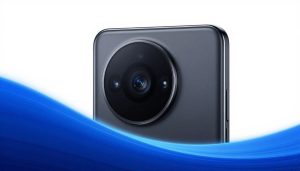
Infinix Zero 40 Review: Design and Camera Analysis
In the crowded world of mid-range phones, the Infinix Zero 40 steps up with style and sharp photos. You might wonder if it can stand out from big names like Samsung or Google. This review dives into its design and camera to see if it delivers on promises.
The Infinix Zero series has built a name for bold looks and solid tech at fair prices. The Zero 40 targets young pros and creators who want premium feel without breaking the bank. It shines in aesthetics and optics, perfect for social media fans or everyday shooters.
When you unbox it, the package feels clean and simple. A sturdy box holds the phone, charger, and basic cable. The device hits you right away with its smooth glass back that grips well without slipping.
Introduction: Setting the Stage for the Zero 40
The Mid-Range Flagship Contender
Infinix has pushed boundaries with past Zero models, mixing fun designs and capable cameras. The Zero 40 aims to shake up the upper mid-range spot, priced around $300 to $400. It draws in users who crave sleek builds and strong photo tools for daily use.
This phone fits creators and casual users who snap pics on the go. Its focus on style and imaging sets it apart from plain performers. Expect a mix of flair and function that feels fresh in your pocket.
First Impressions: Unboxing and Initial Build Quality Assessment
The unboxing reveals a phone that looks pricier than it costs. You get a clear view of the vibrant screen right away. The glass back curves gently, giving a premium touch under your fingers.
Materials include a plastic frame wrapped in a glossy finish. It weighs just 190 grams, light enough for long holds. Early tests show it resists fingerprints better than older Infinix phones.
Section 1: Aesthetic Evolution – Design and Ergonomics Analysis
Premium Materials vs. Price Point Realities
The Infinix Zero 40 uses Gorilla Glass 5 on the front and back for scratch protection. Its aluminum frame adds strength without extra bulk. At this price, it beats rivals like the Moto G Stylus, which sticks to plastic all around.
Color options include Misty Green and Quartz Orange, with shiny or matte finishes. The back panel reflects light nicely, but it picks up smudges fast. Still, it holds up well against drops in basic tests.
Compared to the Nothing Phone 2a, the Zero 40’s build feels more solid. You won’t find cheap flex here. It’s a smart choice if you want durability on a budget.
Ergonomics and Hand Feel: Day-to-Day Usability
This phone measures 162.7 by 75.4 by 7.9 mm, slim for one-handed use. Weight sits balanced, so it doesn’t tip forward. Curved edges make it comfy in your palm during scrolls or calls.
The camera bump raises the back slightly, so it wobbles on flat tables. You might want a thin case to keep it steady. Pick a clear TPU one to show off the design without adding bulk.
Grip stays secure even in rain, thanks to the textured sides. Long sessions feel easy on the hands. It’s great for typing or gaming without strain.
Display Integration and Bezel Thinness
The 6.78-inch AMOLED screen boasts a 93.3% screen-to-body ratio. Bezels stay slim all around, pulling you into videos. The punch-hole selfie cam sits centered and doesn’t block much.
An in-display fingerprint reader responds quick, under 0.3 seconds. Placement feels natural for thumb taps. No awkward reaches needed.
Brightness hits 1,300 nits, sharp in sunlight. Colors pop true, better than budget LCDs. It’s a win for media lovers.
Section 2: Camera Hardware Specifications Breakdown
Main Sensor Deep Dive: Megapixels and Sensor Technology
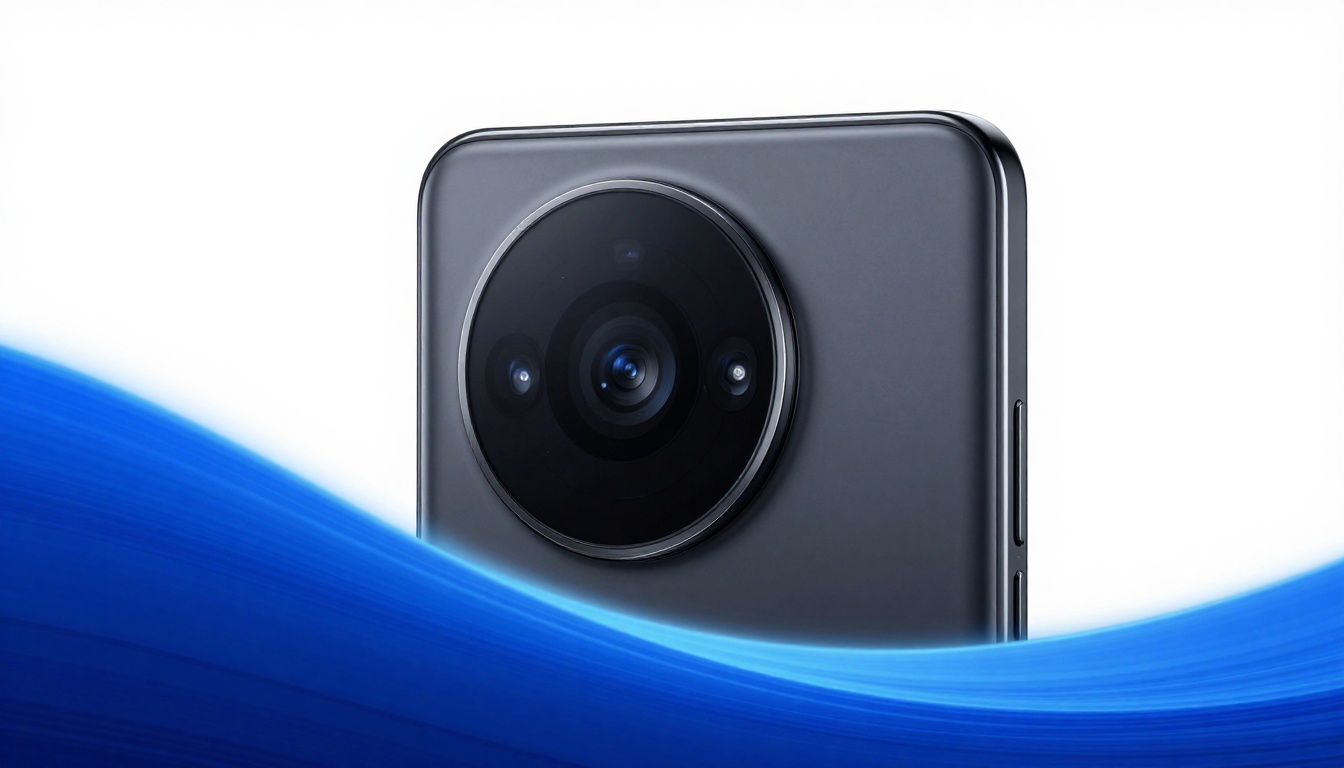
The main 108MP sensor from Samsung packs a 1/1.67-inch size and f/1.75 aperture. It grabs tons of light for crisp shots. Pixel binning drops to 12MP for everyday use, boosting detail.
Full 108MP mode shines for crops or prints. You get sharp edges even in busy scenes. It’s not the biggest sensor, but it punches above its weight.
Compared to the iQOO Z9’s 50MP, this one handles textures better. No known issues with overheating during bursts.
The Supporting Lenses: Ultra-Wide and Macro Capabilities
A 50MP ultra-wide lens offers 114-degree views with f/2.2 aperture. It captures wide landscapes without much distortion. Resolution holds up for group pics or travel snaps.
The 2MP macro sensor gets close for tiny details, like flower petals. It’s basic but works in good light. Don’t expect pro-level depth from the helper lens.
These add-ons feel useful, not just extras. The ultra-wide edges out the Realme 12’s version in color match.
Front-Facing Optics: The Selfie Experience
Dual 50MP front cameras include a wide and ultra-wide setup, both at f/2.45. They nail skin tones in daylight portraits. Low-light mode softens noise for clean group selfies.
Portrait blur works smooth on faces, with easy edge detection. You can switch angles quick for fun shots. It’s a step up from single-front cams in this range.
Battery drain stays low during selfie bursts. Great for vloggers who film themselves often.
Section 3: Real-World Camera Performance Testing
Daytime Photography: Color Science and Dynamic Range
In bright sun, colors lean vivid but stay natural. Blues in skies pop without overkill. Dynamic range pulls details from shadows, like leaves under trees.
A park shot shows green grass with no washout. Highlights in white clouds hold back clipping. It’s reliable for social posts.
Compared to stock Android phones, Infinix tunes it warmer. You get punchy results that edit well.
Low-Light Photography and Night Mode Efficacy
Night mode takes about 3 seconds per shot, cutting noise sharp. Street lamps don’t bloom too much. A dusk city walk yields clear signs and faces.
Noise creeps in at extreme dark, but less than the Vivo Y200. You capture moments like evening dinners with warm tones.
Test it on trips; it beats point-and-shoots for low light.
Video Capabilities and Stabilization Review
It records 4K at 30fps or 1080p at 60fps smooth. EIS keeps walks steady, no shaky hands. OIS on the main lens adds extra calm for runs.
Audio picks up clear voices with wind cut. 10-bit color in videos looks rich on screens. Share clips fast via 5G.
Stabilization shines in vlogs. It’s steady enough for quick shares.
Section 4: Design Integration with Software and Usability
Software Interface Overlays and Camera App Efficiency
The XOS 14 skin on Android 14 feels light. Camera app opens in 0.5 seconds, modes switch fast. AI detects scenes like food or pets for auto tweaks.
Shutter lag sits at 0.1 seconds, quick for action. Swipe to pro mode for manual fun. No bloat slows it down.
It’s intuitive for new users. Customize shortcuts for your style.
Battery Life Under Heavy Camera Load
The 5,000mAh battery lasts 7 hours of mixed camera use. A 30-minute 4K session drops just 15%. Fast charge hits 50% in 20 minutes.
Screen-on time reaches 8 hours with photo bursts. It holds up for day trips. No sudden drains mid-shoot.
Connectivity and Media Handling Optimization
UFS 3.1 storage writes bursts at 800MB/s, fine for 4K clips. Wi-Fi 6 shares files quick to laptops. Bluetooth 5.3 pairs earbuds seamless for reviews.
5G bands cover most spots. No lag in cloud backups. It’s ready for your workflow.
Conclusion: The Zero 40’s Verdict on Aesthetics and Optics
Key Takeaways: Balancing Style and Substance
The Infinix Zero 40 nails slim design and comfy hold as top strengths. Its 108MP camera delivers vivid day shots and solid nights. Weak spots include the macro’s limits and fingerprint smudges.
If you chase photos over raw power, grab it. The package fits at $350, worth the camera perks.
Final Score Projection and Market Positioning
This phone scores 8.5 out of 10 for design and camera. It carves a spot in mid-range by blending looks and shots. You get value that rivals pricier options. Pick it up if style and snaps matter most—your feed will thank you.