Best Smartphone Buying Guide for Beginners 2026

Stepping into a store full of shiny screens and buzzwords can feel like wandering a maze. In 2026, smartphones pack more tricks than ever, from speedy 5G to cameras that rival pro gear. If you’re new to this, don’t sweat it. This guide cuts through the noise. You’ll get a clear path to pick the right phone that fits your life without wasting cash.
Section 1: Defining Your Needs Before You Shop
Think about what you do most on a phone. That shapes everything. Start here to avoid regrets.
Operating System Showdown: iOS vs. Android in 2026
iOS keeps things simple. Apple’s system locks down apps for safety. It syncs smooth with Macs or iPads if you own them. Pick iOS if you want less hassle and tight ties to other Apple stuff.
Android opens doors wide. You tweak themes, add widgets, or swap launchers. Brands like Samsung or Google offer tons of shapes and sizes. Go Android if you like freedom or already use Windows laptops.
Match your choice to your setup. Got an Apple Watch? Stick with iOS. Love customizing? Android wins.
Budget Breakdown: How Much Should a Beginner Really Spend?
Set your limit first. Entry-level phones under $300 handle calls, texts, and basic apps fine. Think simple browsing or social scrolls.
Mid-range picks from $300 to $600 add better cameras and speed. These shine for photos or light games without breaking the bank.
Premium models over $600 bring top screens and long battery. But for new users, gains drop off after mid-range. You might not need ultra-fast chips.
Here’s a quick checklist by budget:
- Under $300: Focus on basics like a solid battery and 64GB storage. Skip fancy cameras.
- $300-$600: Grab 128GB space, good processor, and 5G. Add wireless charging if you can.
- $600+: Only if you want pro video or heavy multitasking. Check for extras like foldable screens.
Stick to what you need. Overspending on luxuries leads to buyer’s remorse.
Identifying Essential Use Cases
Who uses the phone matters a lot. For chats and social media, prioritize battery and clear calls.
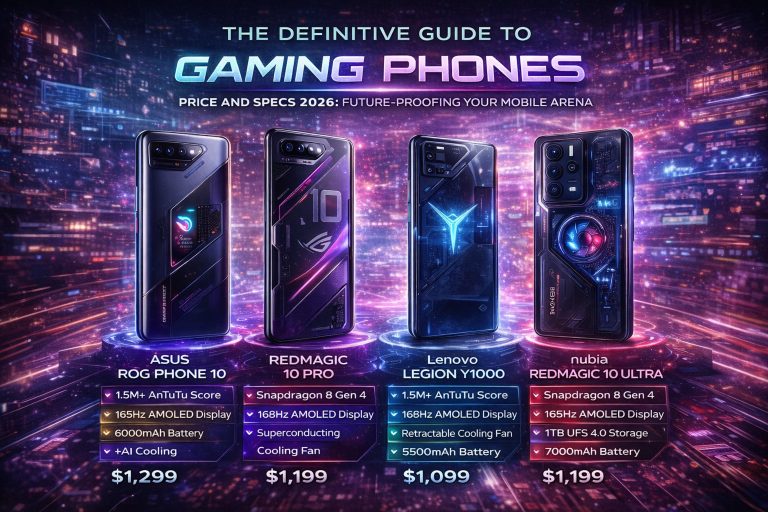
Light gamers want smooth screens with at least 6GB RAM. That keeps games running without lags.
Photo fans eye camera setups. Pros need strong processors for apps like email or docs.
Map your days to specs. Heavy on Instagram? Seek good front cams. Work calls? Noise-canceling mics help. This focus saves time and money.
Section 2: Key Hardware Specifications Explained Simply
Hardware sounds techy, but it’s just the phone’s guts. Break it down to basics. You’ll see what counts for daily use.
Display Technology: Size, Refresh Rate, and Brightness
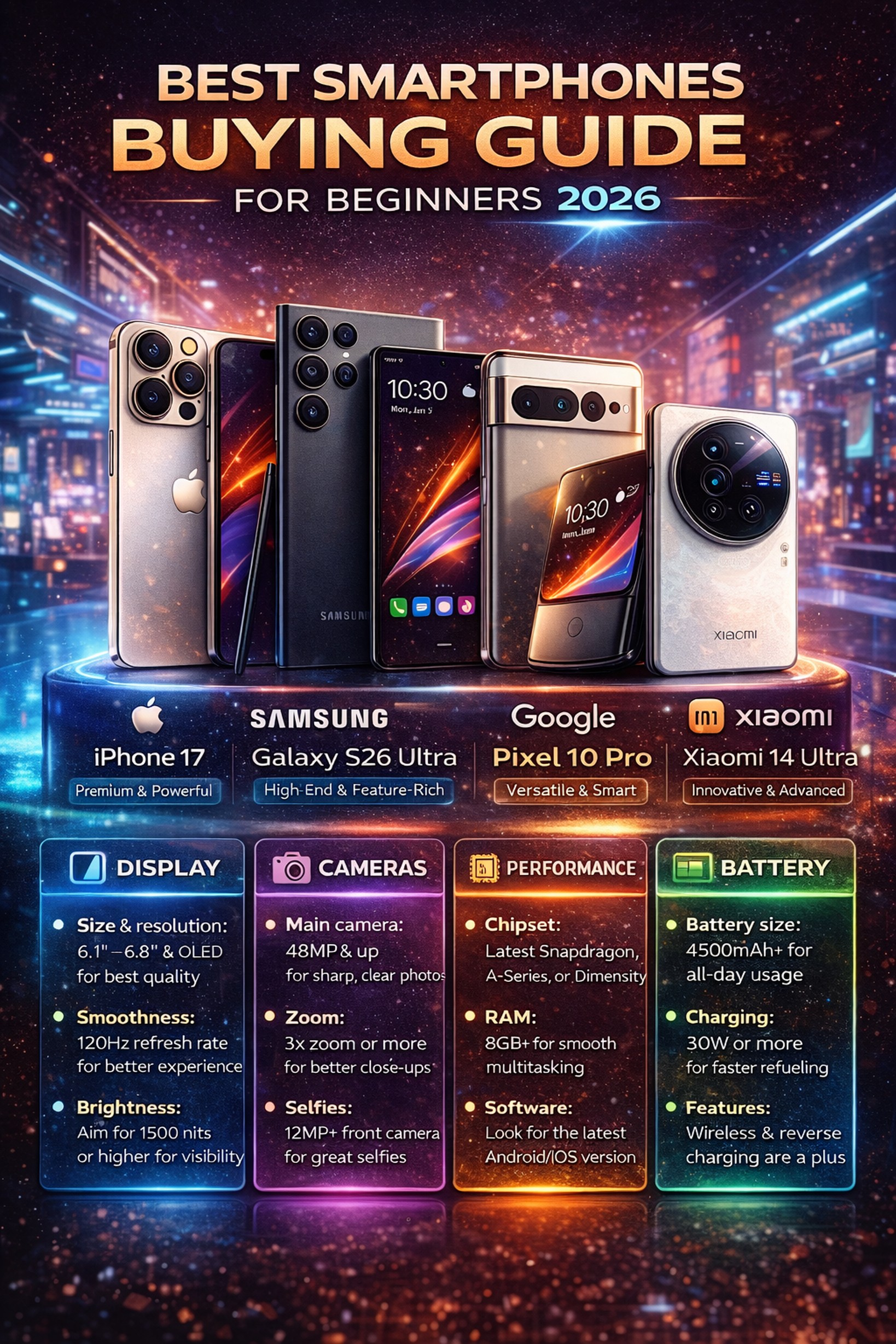
Screens come in LCD or OLED. OLED pops colors deeper and blacks look true black. LCDs stay bright in sun but wash out.
Size picks vary. A 6-inch fits one hand for quick checks. Go 6.5 inches or more for videos and books.
Refresh rate means smoothness. 60Hz works for most. 120Hz scrolls like butter, great for games or feeds. Brightness over 800 nits fights glare outdoors.
Trade-offs hit hard. Bigger means harder pocket fit. Test in store for feel.
Performance Powerhouse: Understanding Processors (SoCs) and RAM
Processors, or SoCs, run the show. Snapdragon 8 series from Qualcomm flies through tasks. Apple’s A18 Bionic crunches AI fast.
Real life? Quick app loads and no stutters in videos. Look for recent chips to last years.
RAM keeps things open. 4GB scrapes by, but 6GB or 8GB handles tabs and apps better. 8GB is standard now. It multitasks without reloads.
Don’t chase the newest. A solid mid-chip beats old flagships.
Battery Life and Charging Standards
Bigger mAh means longer juice, sort of. A 5000mAh battery lasts a full day with mixed use. Real tests show patterns better than numbers.
Fast charging rules. 45W wired tops up in 30 minutes. Wireless at 15W skips cables but slows.
Expect all-day power from most 2026 models. Check reviews for heavy-use drain. Longevity tips: dim screens, close background apps.
Section 3: The Camera System: Beyond Megapixels
Cameras sell phones, but megapixels fool folks. It’s the whole setup that snaps great shots. Let’s unpack it.
Sensor Basics: Understanding Primary, Ultra-Wide, and Telephoto Lenses
The main sensor grabs everyday pics. 48MP or 50MP works well for details in good light.
Ultra-wide lenses capture big scenes. Think group shots or city views without stepping back.
Telephoto zooms far. 2x or 3x optical pulls in subjects crisp, no blur like digital zoom.
Beginners love versatility. A triple setup covers most moments without swaps.
Computational Photography: Why Software Matters More Than Hardware
AI does the magic. Night mode pulls light from dark. Portrait blurs backgrounds smart.
Brands shine here. Google Pixels use smarts for natural colors. Samsung adds fun filters.
Even mid phones beat old high-end with software. Check samples online. Software turns okay hardware great.
Video Capabilities for Everyday Recording
Stabilization keeps clips steady. OIS fights shakes; EIS smooths motion.
4K at 30fps suits social shares. 1080p saves space for quick posts.
Most phones hit 60fps now. Great for action clips. Test for your needs, like vlogs or kid videos.
Section 4: Storage, Connectivity, and Longevity
These bits keep your phone fresh over time. Ignore them, and you’ll upgrade sooner.
Internal Storage Tiers and the Need for Cloud Services
Apps ballooned sizes. 128GB is the floor for photos and streams.
64GB fills fast with 4K vids. 256GB gives breathing room.
Clouds like Google One or iCloud back up seamless. Pay $2 a month for extra space. It frees local storage without stress.
Future-Proofing with 5G and Wi-Fi Standards
5G is everywhere in 2026. It speeds downloads on the go. Even budget phones pack it now.
Wi-Fi 6 handles fast home nets. Wi-Fi 7 looms for ultra speeds, but 6 covers most.
Skip non-5G? Nah. It future-proofs for quicker web.
Software Support and Device Lifespan
Updates fix bugs and add features. Apple promises 7 years on iPhones. Samsung and Google hit 5-7 too.
Security patches matter most. Old phones risk hacks.
Check policies upfront. For Android, search “[brand] update promise 2026.” Long support means less e-waste.
Section 5: Selecting Your Brand and Final Purchase Checklist
Brands shape the pick. Weigh reps against needs. Then nail the buy.
Overview of Top Contenders in 2026 (Brands)
Apple leads ease. iPhones integrate tight, with strong privacy.
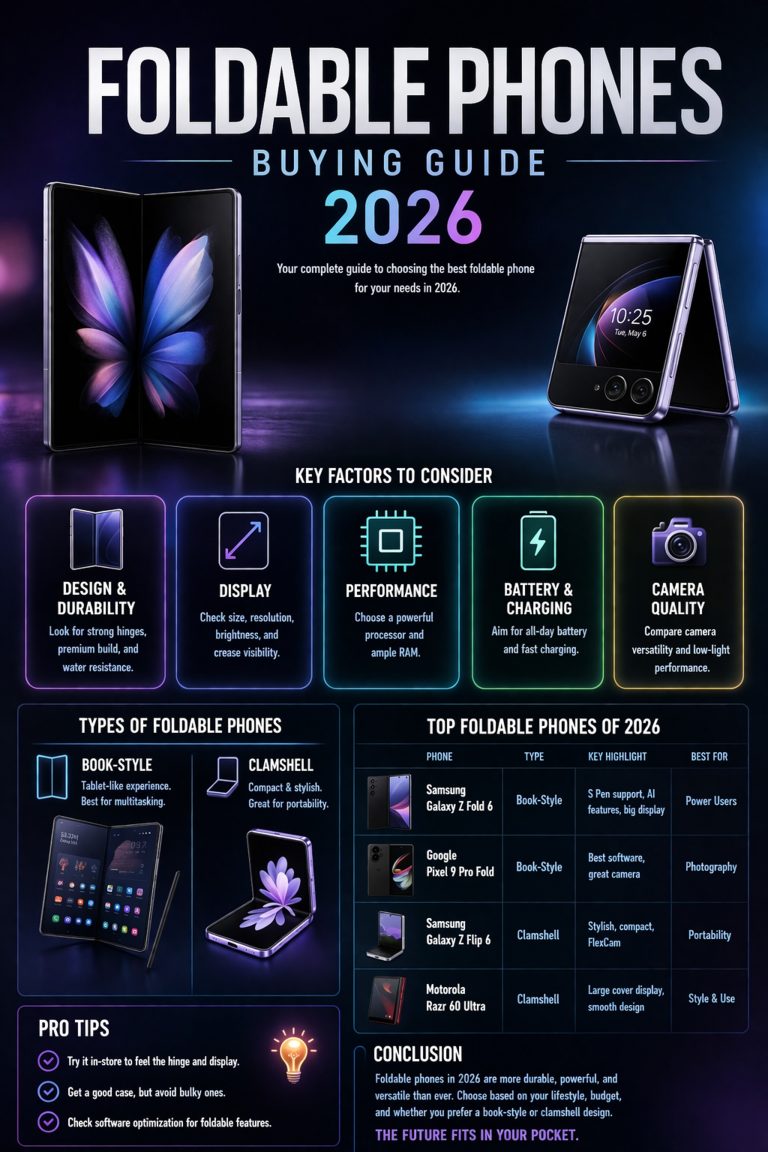
Samsung offers folds and big batteries. Versatile for tinkerers.
Google Pixels nail photos via software. Clean Android feels fresh.
OnePlus keeps value high. Fast charges impress. Each fits profiles. Test in person.
Carrier vs. Unlocked: Making the Right Purchase Choice
Carriers spread costs monthly. Plans bundle service, but lock to one net. Early payoffs possible.
Unlocked buys free you. Use any SIM, swap easy. Upfront hit, but flexible.
Pros of carrier: Low entry. Cons: Hidden fees. Unlocked suits travelers or switchers.
The Final Pre-Purchase Checklist for Beginners
Run this list before cash hits:
- Test screen in light; add protector right away.
- Grab a case for drops.
- Verify bands for your carrier if unlocked.
- Read return policy—30 days common.
- Check storage; one newbie crammed 10,000 pics into 64GB and panicked.
Mistakes like skimping space haunt. Plan ahead.
Conclusion: Your Smart Start in the Mobile World
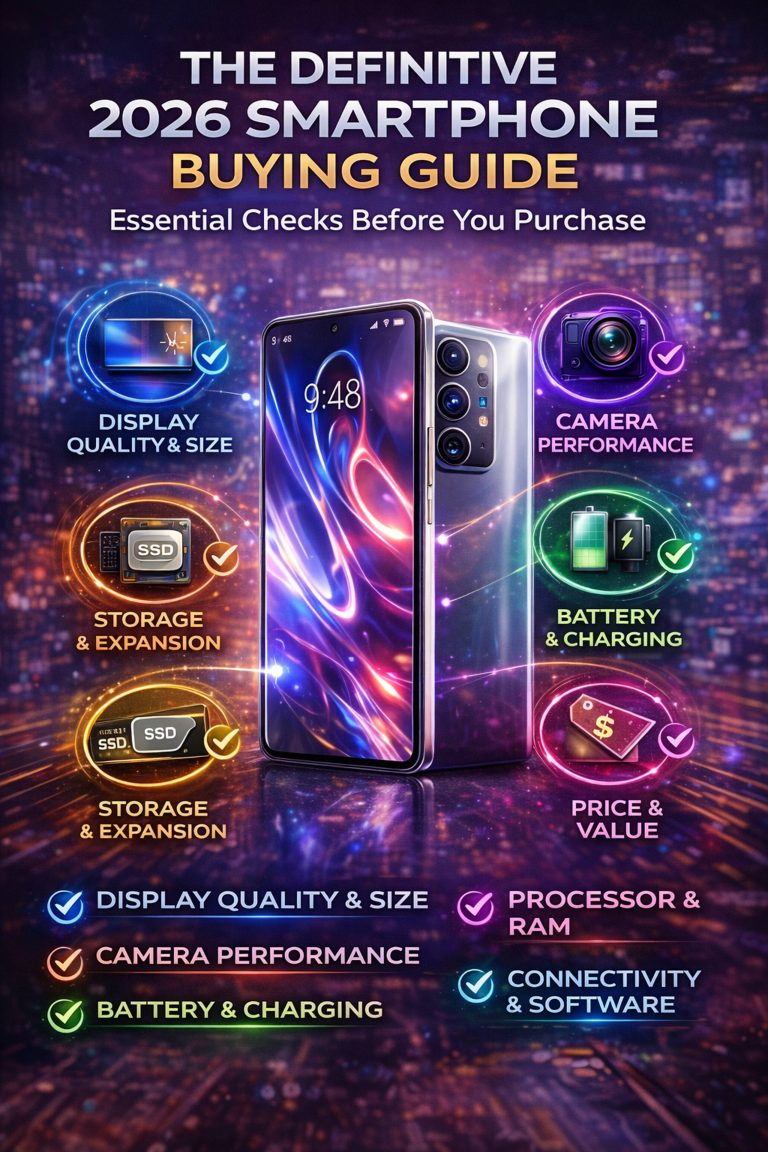
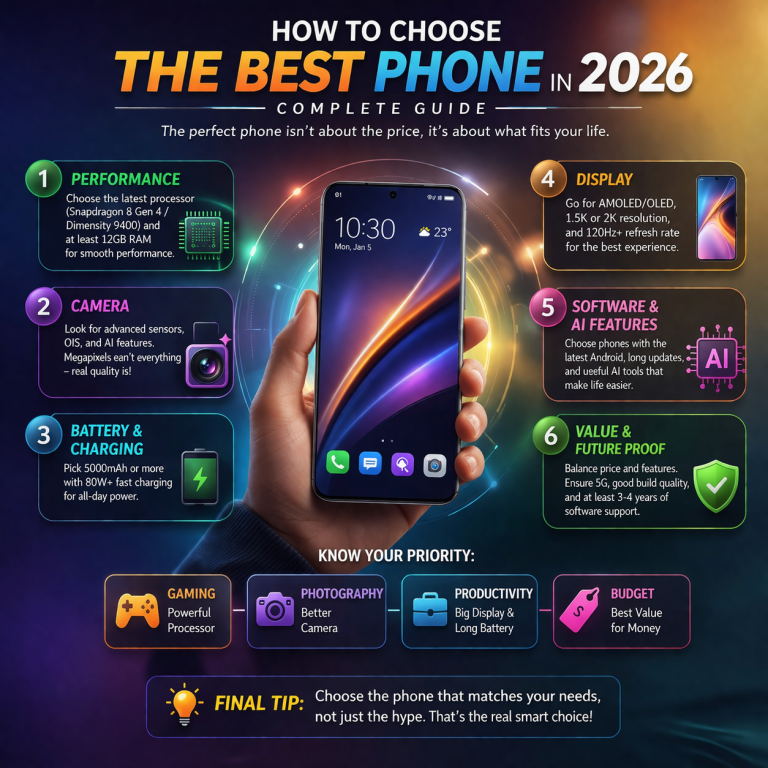
Picking a smartphone boils to budget match, OS fit, and battery truth. Align these, and you’ll thrive.
The top phone suits your routine, not specs alone. Head to stores, touch models, ask questions. Your perfect 2026 pick waits. Start shopping today—you got this.
Opinion & Analysis
From our perspective, choosing the right smartphone in 2026 has become more complex than ever, especially for beginners. The market is filled with devices across different price ranges, each offering a unique combination of features, performance, and value.
One of the biggest changes in recent years is that even mid-range smartphones now deliver excellent performance, strong cameras, and long battery life. In fact, many phones under $500 can now handle everyday tasks smoothly and even offer features that were once exclusive to flagship devices.
However, beginners often make the mistake of focusing only on specs like megapixels or RAM without understanding how these features impact real-world usage. A well-balanced phone with optimized software is often a better choice than a device with higher numbers on paper.
Overall, the best approach for beginners is to focus on their personal needs—whether it’s camera quality, battery life, performance, or budget—rather than chasing the most expensive or feature-packed option.
Final Verdict
For beginners in 2026, the best smartphone is not necessarily the most expensive one, but the one that offers the right balance of performance, battery life, camera quality, and long-term usability within your budget.
Who Should Follow This Guide?
– First-time smartphone buyers
– Users upgrading from older devices
– People unsure about which features matter most
Who Might Not Need This Guide?
– Advanced users who already understand smartphone specs
– Tech enthusiasts looking for niche or high-end features